
Download Click 2 Donate – free app, Android, donate, click to donate, mobile donation, social good
Overview
Click 2 Donate is a free Android application designed to support social good through a simple, user-friendly interface. The app enables users to contribute to charitable causes by reading articles, with each interaction generating a small donation in Myanmar Kyat (MMK). This innovative model combines content consumption with micro-donations, allowing individuals to support meaningful initiatives without direct financial outlay. The app is particularly suited for mobile users who spend time browsing content daily and wish to make a positive impact with minimal effort.
Target users include socially conscious individuals, mobile-first readers, and those interested in passive donation methods. The app’s design encourages regular engagement by displaying real-time metrics, such as a weekly click graph and the amount earned in the past 24 hours. These visual cues help users track their contributions and stay motivated. The developer, Click2Donate, positions the app as a tool for community-driven change, emphasizing transparency and accessibility.
Real-world usage scenarios include daily reading during commutes, evening relaxation, or idle moments. Users can access the app anytime, anywhere, making it ideal for those seeking convenient ways to support humanitarian causes. The inclusion of a profile section and information about the organization further enhances user engagement and trust. While no additional details about the underlying donation network or partner organizations were provided, the app’s core function remains clear: turning casual browsing into meaningful social impact.
Key Features & Capabilities
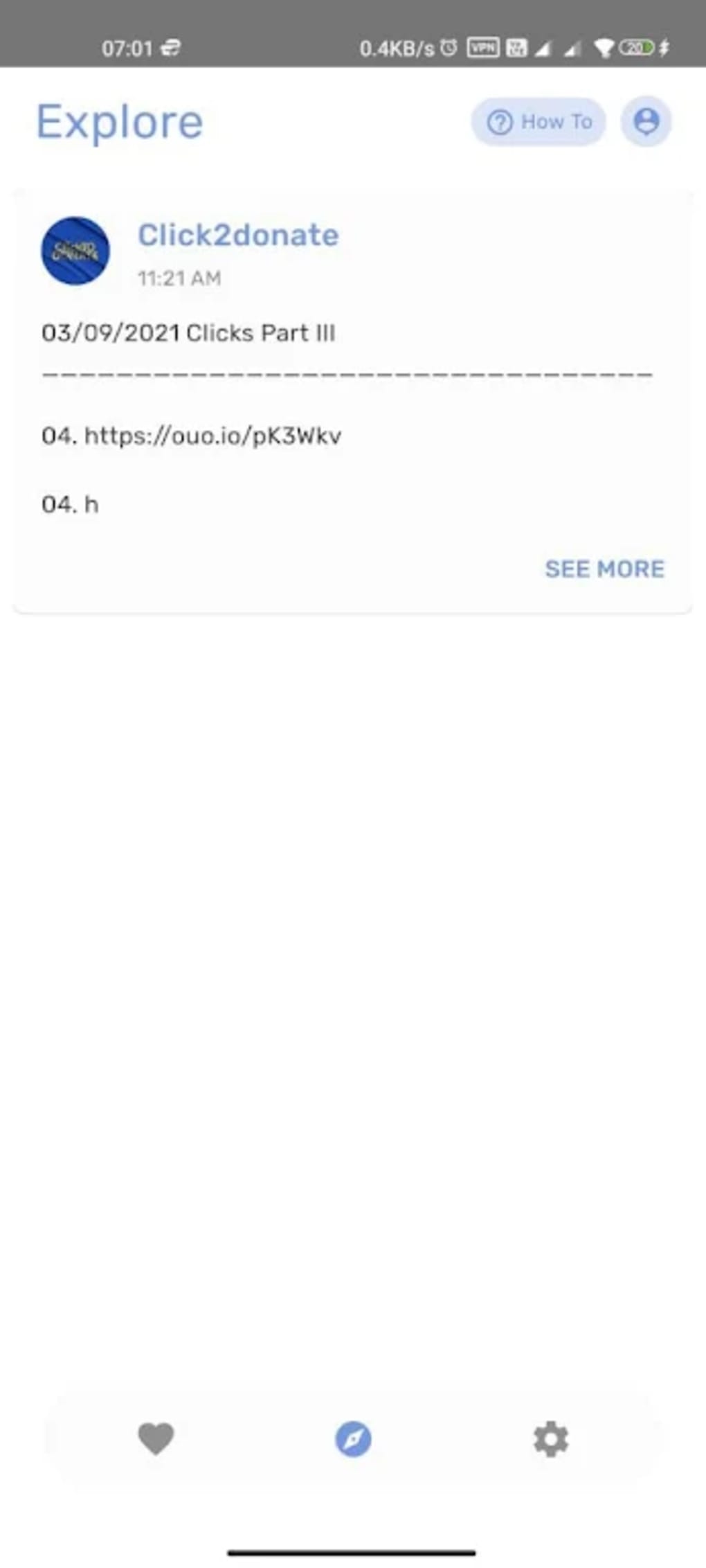
- Article Reading with Donation Integration – Users can browse a variety of articles, with each read contributing to a donation in MMK. The donation is generated through the app’s backend system, not direct user spending.
- Real-Time Impact Tracking – A visual graph displays the user’s current week’s clicks, offering immediate feedback on engagement levels and contribution progress.
- 24-Hour Earnings Summary – The app shows the amount of MMK earned in the past 24 hours, helping users monitor their daily impact.
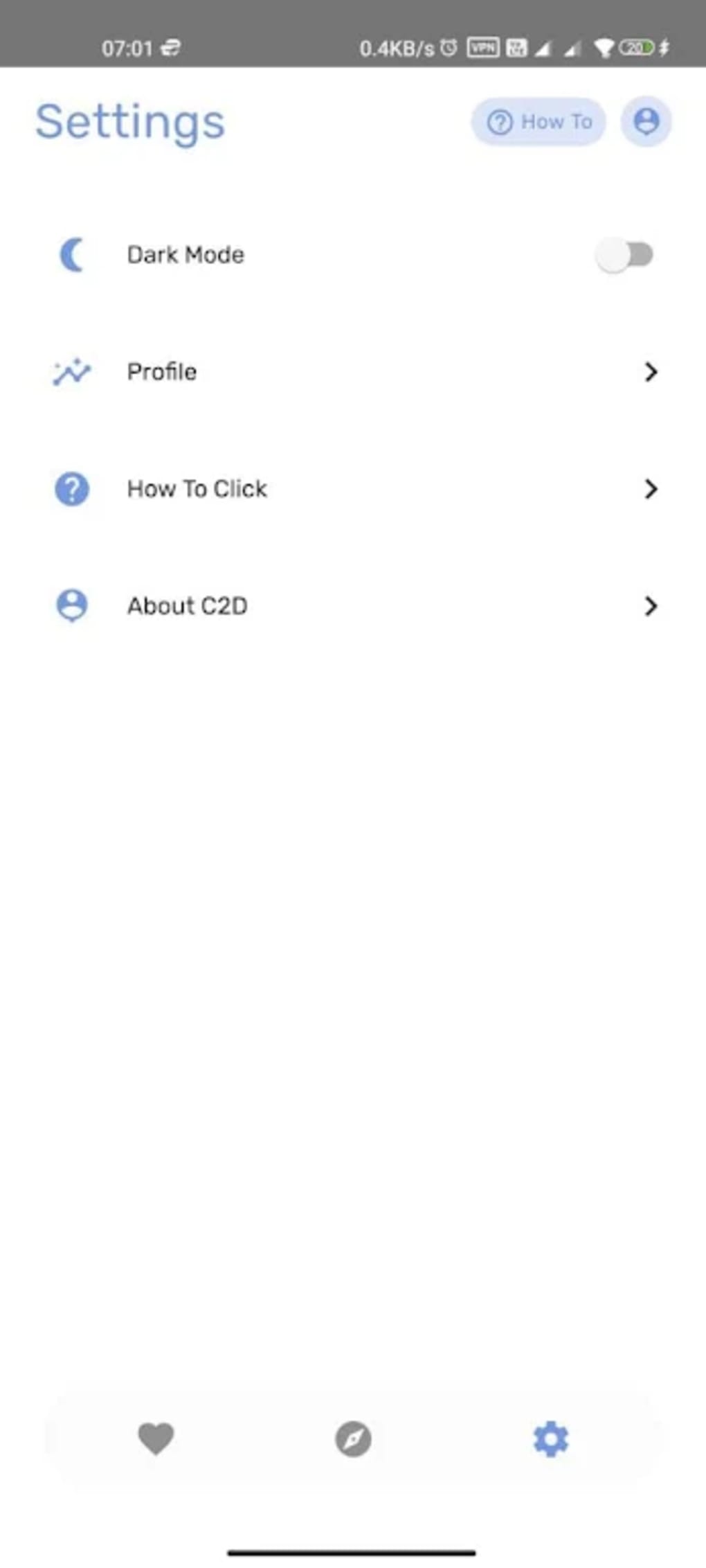
- Dark Mode Support – A night-friendly interface reduces eye strain during evening or low-light usage, improving usability across different environments.
- User Profile and Information Hub – Users can view their personal profile, access app updates, and learn more about the Click 2 Donate initiative.
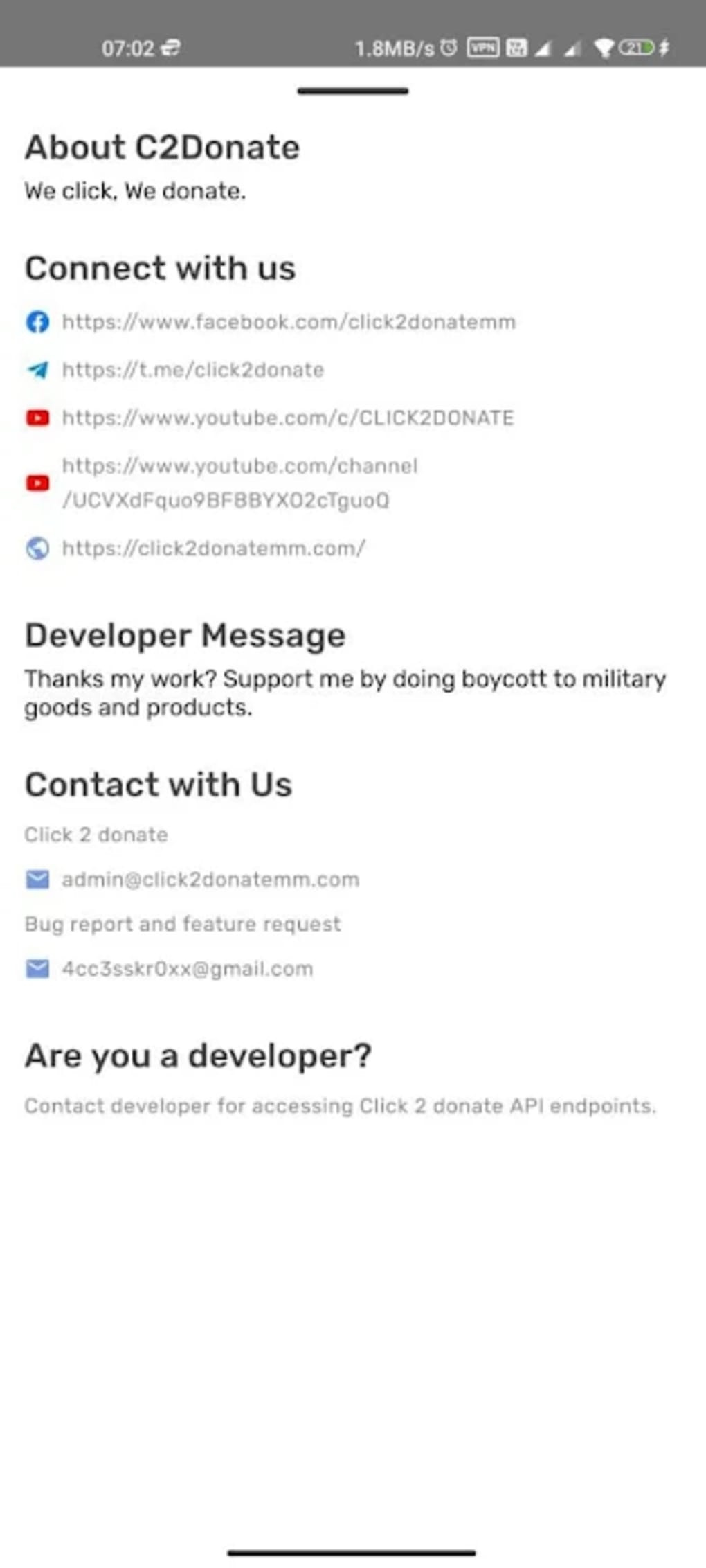
- Developer Access via API – The C2D tab provides contact details for developers interested in integrating with the platform, including email addresses and social media links.
These features work together to create a seamless experience where content consumption and charitable giving coexist. For example, a user reading articles during a morning commute can see their click count rise and earn small donations without any additional action. The API access option opens the door for developers to build integrations, potentially expanding the app’s reach and functionality. The developer did not provide further details on how donations are processed or distributed, but the app’s interface clearly communicates the impact of user activity.
User Interface, Workflow & Performance
The user interface of Click 2 Donate is clean and intuitive, prioritizing readability and accessibility. Navigation is straightforward, with key sections such as the article feed, impact dashboard, profile, and C2D information easily accessible via a bottom navigation bar. The layout adapts well to different screen sizes, ensuring consistent usability across various Android devices.
Workflow efficiency is high, as users can begin reading articles immediately after opening the app. The real-time display of clicks and earnings enhances motivation and encourages continued use. The dark mode feature improves usability during nighttime browsing, reducing screen brightness and minimizing disruption to sleep patterns.
Performance observations are based on general software behavior patterns. The app does not specify resource usage details, so exact CPU or RAM consumption remains unknown. However, as a content-reading application with minimal background processing, it is expected to operate efficiently on devices meeting the stated compatibility requirements. Stability is assumed to be adequate, given its availability on Google Play, but no specific data on crashes or freezes was provided.
Compatibility & System Requirements
Click 2 Donate is compatible with Android 5.0 and newer versions. This ensures broad accessibility across a wide range of devices, including older smartphones and tablets. The app is available exclusively through Google Play, indicating compliance with platform guidelines and security standards.
Exact system requirements were not listed. The developer did not specify installation size, minimum storage, or hardware specifications such as RAM or processor type. As a result, users are advised to ensure their device meets standard Android app requirements. The app’s free availability on Google Play suggests it is lightweight and optimized for mobile environments, though detailed performance data remains unconfirmed.
Pros and Cons
Pros
- Free to download and use with no hidden costs
- Simple, intuitive interface ideal for casual users
- Encourages passive contribution through content reading
- Dark mode enhances usability in low-light conditions
- Real-time impact tracking provides motivation and transparency
- API access available for developers seeking integration opportunities
Cons
- Exact file size and system requirements were not specified
- Donation distribution method and partner organizations not clearly detailed
- Only available on Android, limiting cross-platform access
- No information on offline functionality or data usage
- Dependent on third-party content sources, which may affect article quality or availability
FAQ Section
Is Click 2 Donate available for iOS devices?
The app is currently available only for Android. No information about an iOS version was provided.
How are donations processed and distributed?
The developer did not specify the exact process for how donations are distributed to charities or causes.
Can I use the app offline?
Information about offline functionality was not provided. The app may require an internet connection for content and donation tracking.
Is the app safe to download and use?
Click 2 Donate is available on Google Play, which provides security checks for apps. Users are advised to download only from official sources.
How often does the app receive updates?
Users may receive updates from the Click 2 Donate team from time to time, as noted in the app description. The update frequency was not specified.
Final Thoughts + CTA
Click 2 Donate offers a unique and accessible way to support social causes through everyday mobile usage. Its integration of content reading with micro-donations makes it ideal for users who want to contribute to social good without financial strain. The clean interface, dark mode, and real-time impact tracking enhance the user experience, while the API access option adds value for developers.
While some details such as system requirements, donation distribution, and offline capabilities remain unclear, the app’s core functionality is well-executed and purposeful. It stands out as a thoughtful tool for those seeking meaningful engagement through digital habits.
Download Click 2 Donate now





.png)

